Wireframes from code.
Try Wire Studio: a local-first wireframing editor with instant preview.
Write a tiny DSL. Preview instantly.
What is a wireframe?
A wireframe is a low-fidelity visual guide that represents the skeletal framework of a website or app. Wireframes help designers and developers plan page structure, layout, and user flows before investing in high-fidelity design or development.
Why code-first wireframes?
Code-first wireframing lets you iterate faster than drag-and-drop tools. By writing declarative layouts in Wire DSL, you can quickly prototype ideas, version control your designs with Git, and collaborate using the same tools developers already use.
Wireframe Templates
Start with ready-made templates. Open in Wire Studio and customize instantly.
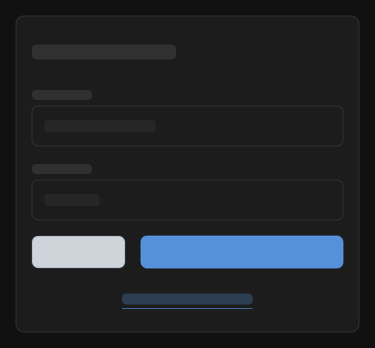

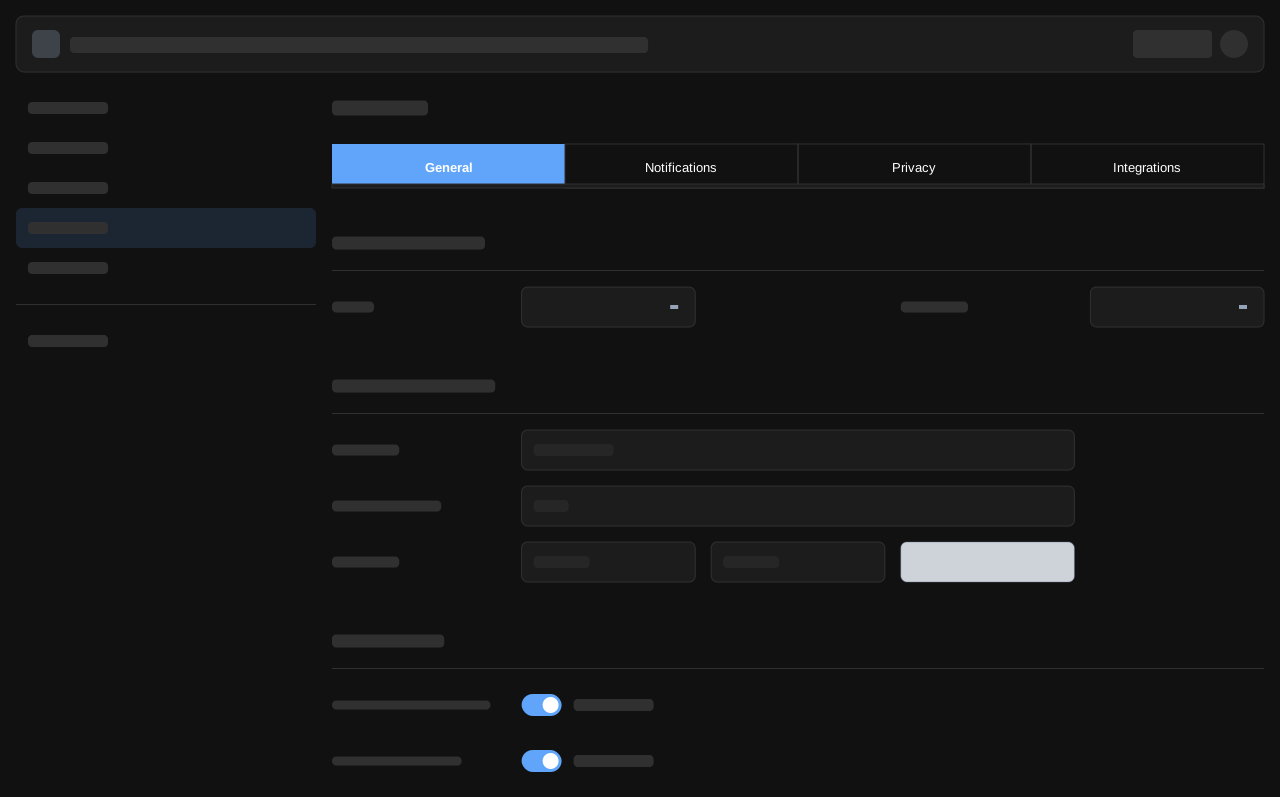

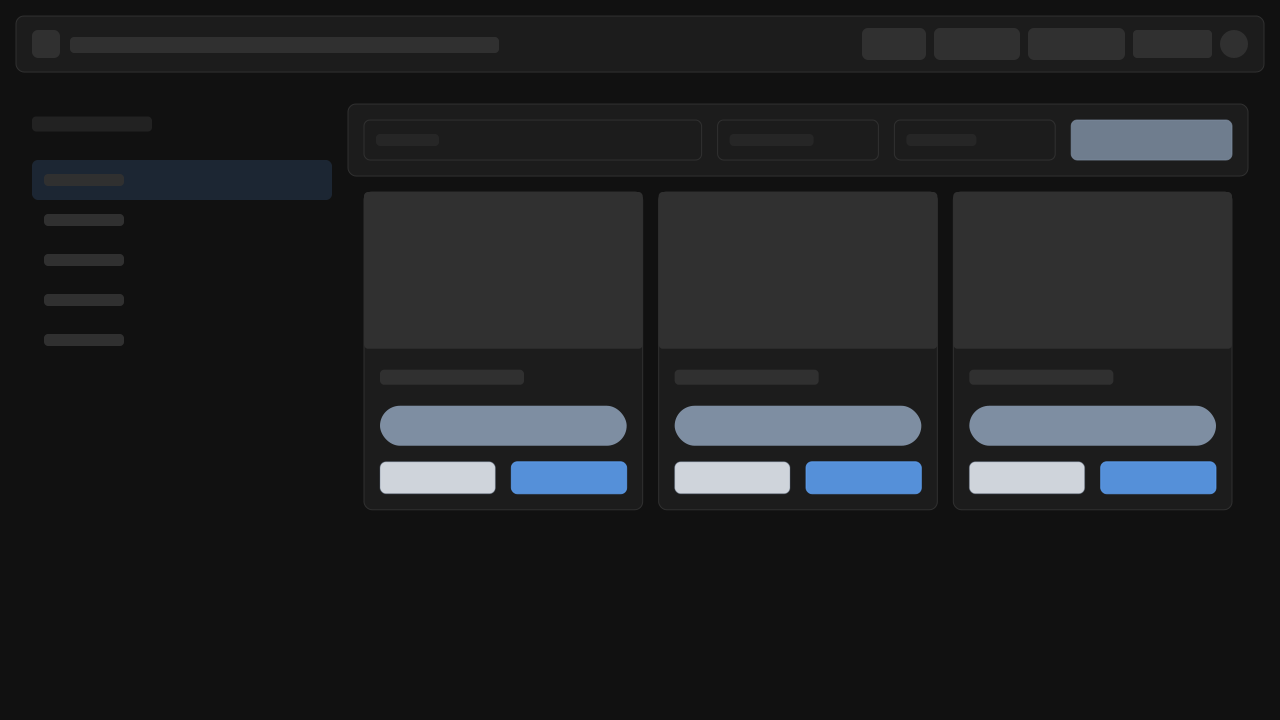
E-commerce Product
Product page wireframe with images, details, and purchase options
Open in Wire Studio
All templates are customizable and work offline. No account required.
Why Wire Studio for Wireframes?
Three reasons to choose code-first wireframing over traditional tools.
Faster than drag-and-drop
Iterate on wireframe ideas at the speed of thought. Type components instead of positioning pixels.
Local-first, no login
Your wireframes stay in your browser. No account required, no data sent to servers.
Export and share later
Export to SVG, PNG, or PDF when ready. Share the .wire file for version control.
How It Works
Three simple steps to create wireframes with Wire Studio.
Create Workspace
Open Wire Studio in your browser. Start with a blank canvas or choose from templates.
Edit Wireframes
Write Wire DSL code or use visual tools. See instant preview as you work.
Export & Share
Download as SVG, PNG, or PDF. Save .wire files for version control with Git.
Frequently Asked Questions
Common questions about wireframing with Wire Studio.
Still have questions?
Join the discussion on GitHubReady to create wireframes?
Start wireframing in seconds. No account needed, no installation required. Try Wire Studio in your browser now.